Browser version
Chrome 100 or later on Android and Safari on iOS 15 or later cover the majority of supported devices. Update your browser if live streams stall or game rooms fail to open.
The fb8 lobby opens directly in your mobile browser — no download required to reach slots, live casino tables, or the sportsbook, including cricket markets for BPL and international matches.

Most current Android and iOS devices access the full fb8 lobby without any configuration. If a specific game or live stream does not load, the checklist below covers the most common causes.
Chrome 100 or later on Android and Safari on iOS 15 or later cover the majority of supported devices. Update your browser if live streams stall or game rooms fail to open.
The lobby is optimised for portrait mode on phones and landscape on tablets. Rotating your device mid-session refreshes the layout to fit your screen orientation.
You need a verified fb8 account to access real-money game rooms. Account verification is completed through the profile section after your first login.
Check the Help section of your account for the current device compatibility list, as supported configurations are updated when new browser versions release.
Access to the lobby depends on your local law and eligible region. If the site is unavailable in your location, this is determined by regional availability, not your device.
These are the mobile-specific features that make the fb8 experience work on your phone rather than just fitting on a smaller screen.

Open the fb8 lobby from Chrome or Safari on Android or iOS and you get the same game rooms as desktop — Crash Limitless, live baccarat tables streamed by Evolution, and slot rooms from Pragmatic Play and PG Soft. The mobile interface keeps your betslip and deposit shortcut in the bottom bar so you can fund your account with bKash or Nagad
without leaving the game screen. Push notifications alert you when a live table opens or a round result posts. Quick deposit puts your wallet top-up one tap away, and fingerprint login means you skip the password every time you return. Players in Dhaka reach the lobby in seconds on a standard 4G connection.
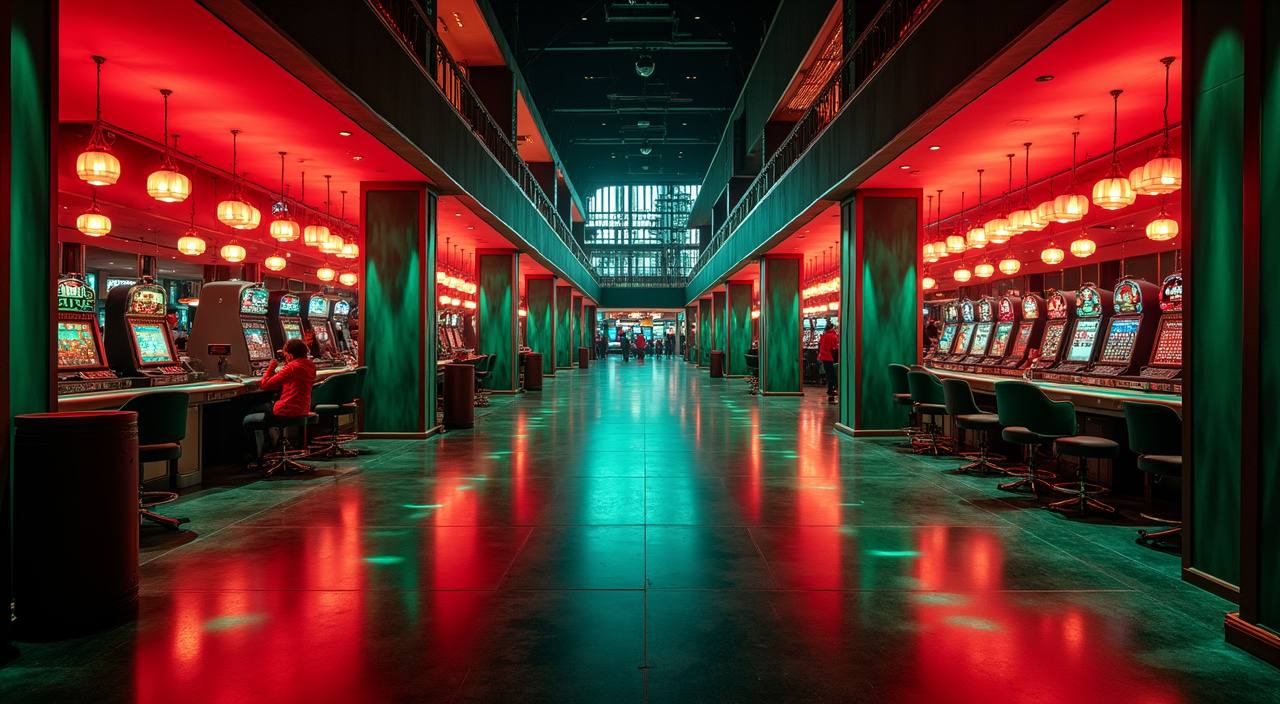
Getting into the fb8 lobby on your phone takes less than a minute. There is no APK to sideload and no app store approval to wait for — your browser handles everything. Make sure you are on a current version of Chrome or Safari for the smoothest experience, as older browser builds may not render the live table streams correctly. Once you
are signed in, save the site to your home screen so it opens like a native app next time.
Answers to what people ask most about accessing fb8 on mobile.
Service availability depends on eligible regions and local law. Users should check local rules before opening an account.
Access may be available only where local law permits.